1
Check the status
On the campaign list, confirm the campaign is Active. Scheduled and expired campaigns never apply.
2
Build a qualifying cart
Open your storefront and add products the campaign targets, in the quantities it needs. If it has customer qualifiers, log in as a customer who meets them.
3
Go to checkout
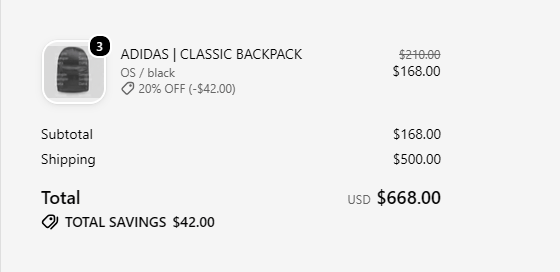
For a code discount, enter the code. For an automatic discount, it should already be applied.
4
Check the shipping step
For a shipping discount, enter an address and choose a rate the campaign targets. The discount appears once a rate is selected.
If it doesn’t apply
- Change one thing at a time: remove a qualifier, save, and try again. That shows which condition is failing.
- With And qualifier behavior, every condition has to pass.
- Check whether another discount is stopping this one from combining. See Combinations and strategy.